
vmZoneBlog
-
Find CPU, Memory and Volume Info
Introduction: As a Wintel admin you might come across a situation where you want specific information about CPU, Memory and Volume information for multiple servers. The script below…
-
Mass lunreset
Introduction: The organization’s data center suffered a power loss impacting multiple components and systems. Post the power restoration you are observing issues with in your SDDC platform like…
-
Find VMs with unwanted devices
Introduction: As an administrator for a vSphere environment you may come across situation where you have a lot of VMs configured with unnecessary hardware like USB device, Floppy…
-
Provision a limited access Domain user on an ESXi
Introduction: While working with ESXi 6.5 & 6.7 I noticed that there is no UI option available to provision a domain user. The PowerCLI cmdlet New-VIPermission also fails…
-

vSphere HA Slots Policy Demystified
Introduction: When you choose Slot policy, the failover capacity is ensured using a Slot based approach. In vSphere release 6.5 and above you may choose a fixed slot…
-
Impact of Traffic Shaping
A traffic shaping policy is defined by average bandwidth, peak bandwidth, and burst size. You can establish a traffic shaping policy for each port group and each distributed…
-
PowerCLI to Clone a DVS
Scripted Operations: DVS Creation with the user provided name PortGroup Creation on the new DVS by reading the settings from the user provided existing DVS Host additions to…
-
How to mitigate L1TF vulnerability warning for a stateless auto-deploy host
Problem definition: For stateless auto-deploy host the setting VMkernel.Boot.hyperthreadingMitigation rolls back to default on every reboot. Thus, causes a warning to appear in vCenter server for the host.…
-
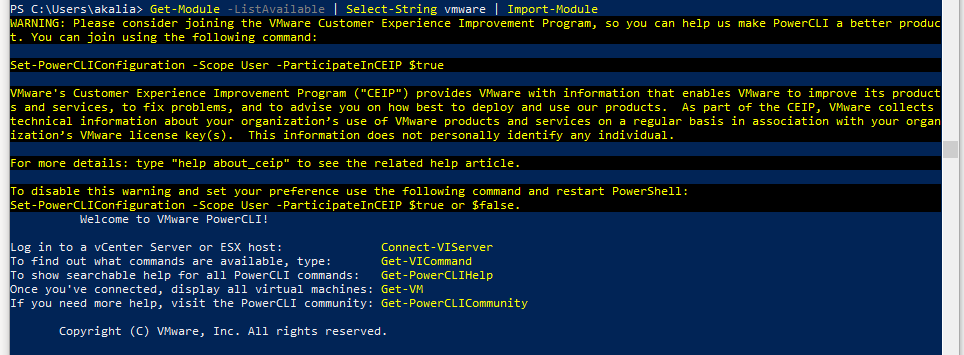
Setup VMware PowerCLI environment using offline modules
From a past few version VMware has stopped shipping an installer for PowerCLI. The latest builds of PowerCLI run as modules within PowerShell environment. Download Location: Download the…