
Category: PowerCLI
Posts related to PowerCLI
Set RDMs to Perennially Reserved for all hosts under a vCenter server
In most production environments business as usual activities, user errors or business critical changes can sometime make environment deviate from best practices. One such best practice for vSpehre…
Adding the host to Distributed switch and Mapping the VMs [V2]
A few days ago, I posted a DVS management script that added hosts, uplinks and mapped VM based on user inputs in the form of prompts and csv…
What’s wrong with this code?
Code: Error:
Adding the host to Distributed switch and Mapping the VMs [V1]
You have built a new vCenter from scratch and would like to move host from an existing vCenter server to this one. As a preparation for this migration…
Reset Syslog.Global.Loghost to blank
This morning I worked with the customer where syslog traffic was choking an already crippled network. As a quick fix we wanted to spare the network from syslog…
Find VMs with unwanted devices
Introduction: As an administrator for a vSphere environment you may come across situation where you have a lot of VMs configured with unnecessary hardware like USB device, Floppy…
Provision a limited access Domain user on an ESXi
Introduction: While working with ESXi 6.5 & 6.7 I noticed that there is no UI option available to provision a domain user. The PowerCLI cmdlet New-VIPermission also fails…
PowerCLI to Clone a DVS
Scripted Operations: DVS Creation with the user provided name PortGroup Creation on the new DVS by reading the settings from the user provided existing DVS Host additions to…
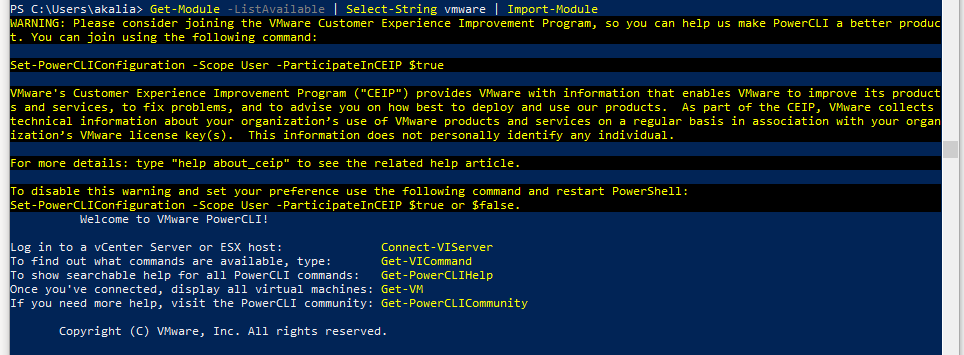
Setup VMware PowerCLI environment using offline modules
From a past few version VMware has stopped shipping an installer for PowerCLI. The latest builds of PowerCLI run as modules within PowerShell environment. Download Location: Download the…
Isolating Stale VMDKs
Step 1: Generate a list of vmdk associated with the VMs In this step, we will generate a list of VMDKs associated with all the VMs registered on…