
Installation of python on Mac has following steps involved
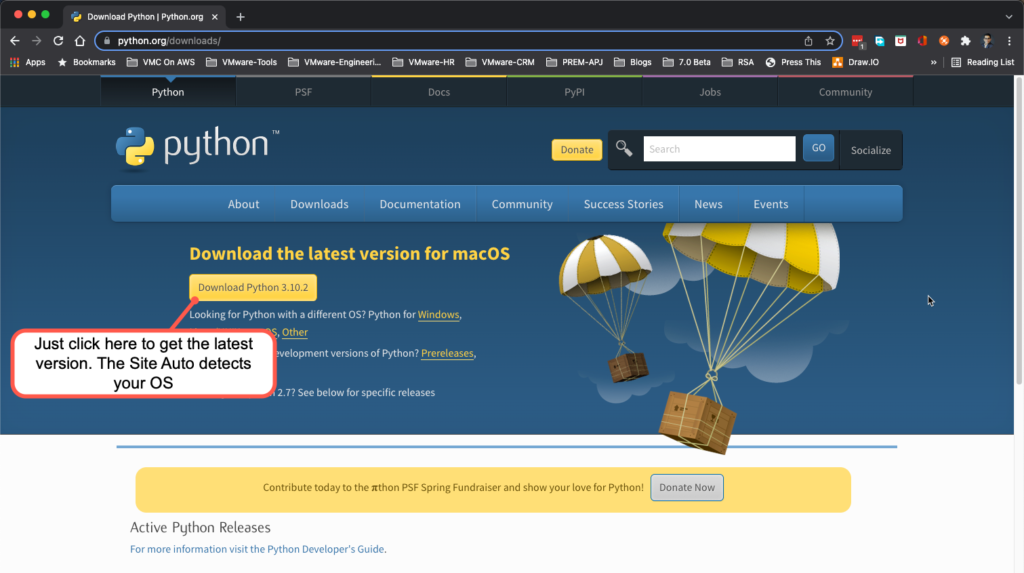
- Download the build or distribution you would like to install
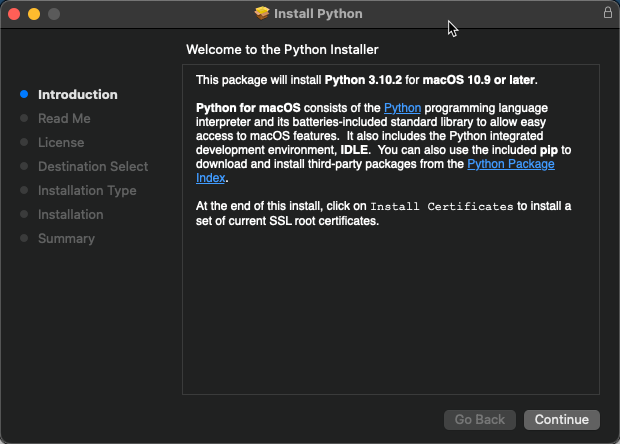
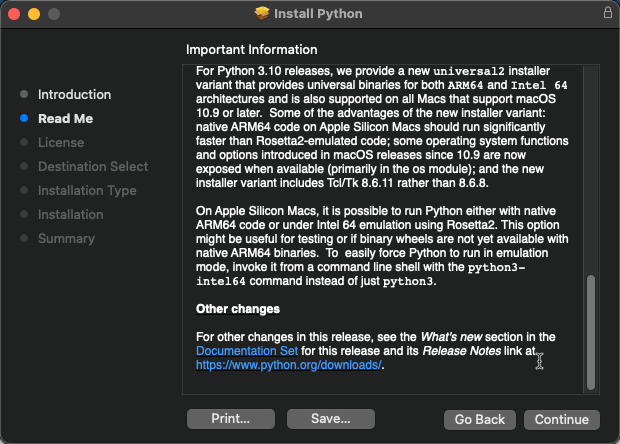
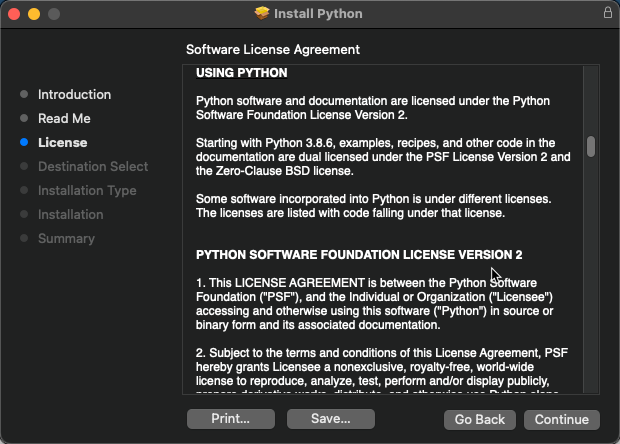
- Execute the installer and follow the instructions
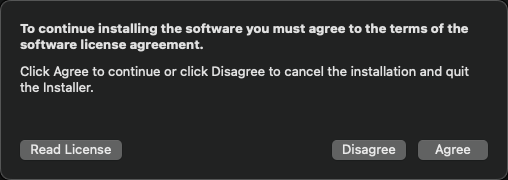
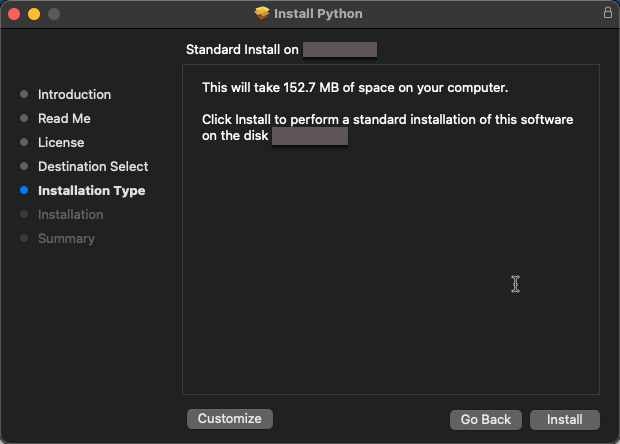
Below are the screenshots of installation process for reference. Gotcha are marked in red

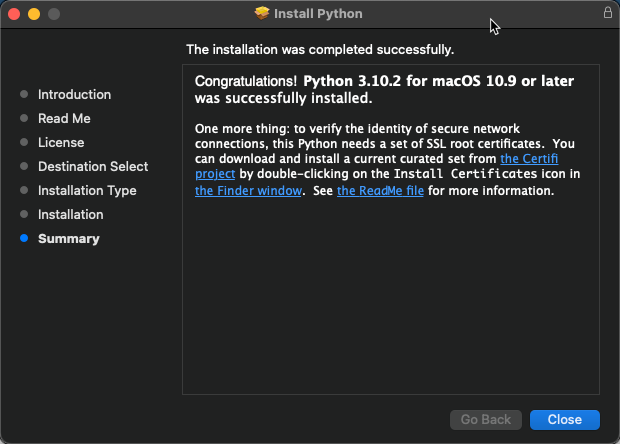
Mac OS ships with version of python 2 and 3 called framework builds. When you use python or python3 command on CLI it may not invoke the version we just installed.
To make sure the right version of python is being used one may use virtual environments. I will discuss this in a future posts.
Leave a Reply